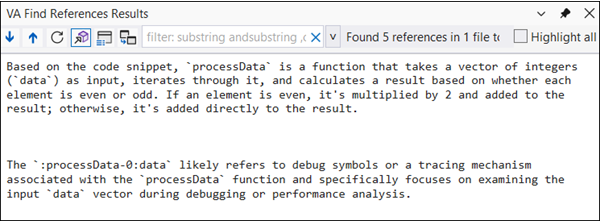
The Explain with AI feature helps you quickly understand unfamiliar code by analyzing symbols across the entire project and providing a brief description of what they do.
Basic Workflow
- Select a symbol or highlight the block of code in the editor.
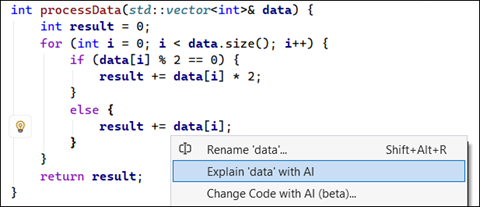
- Press Shift + Alt + Q to open the Actions menu.
- Choose the Explain ‘symbol’ with AI option.
- The explanation of the ‘symbol’ will be provided in a Find References dialog.